EFPSE Model Bridge
A downloadable tool for Windows
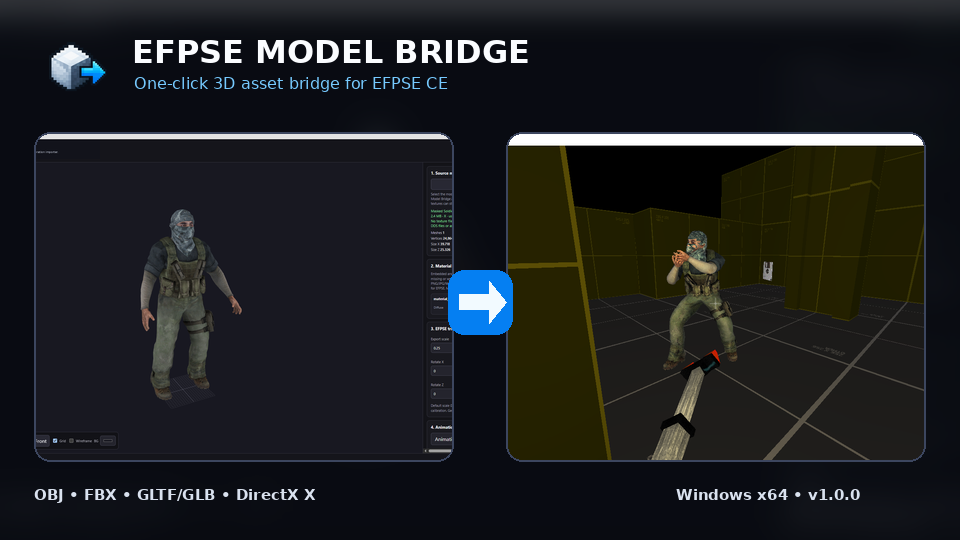
A portable Windows tool that turns common 3D model formats into ready-to-place EFPSE CE assets.
EFPSE Model Bridge was built to remove the repetitive and overwhelming parts of getting a custom model into Easy FPS Editor / EFPSE CE. Load your source model, preview it, make any scale/orientation/material adjustments you need, then export the complete asset directly into your EFPSE project.
How it works
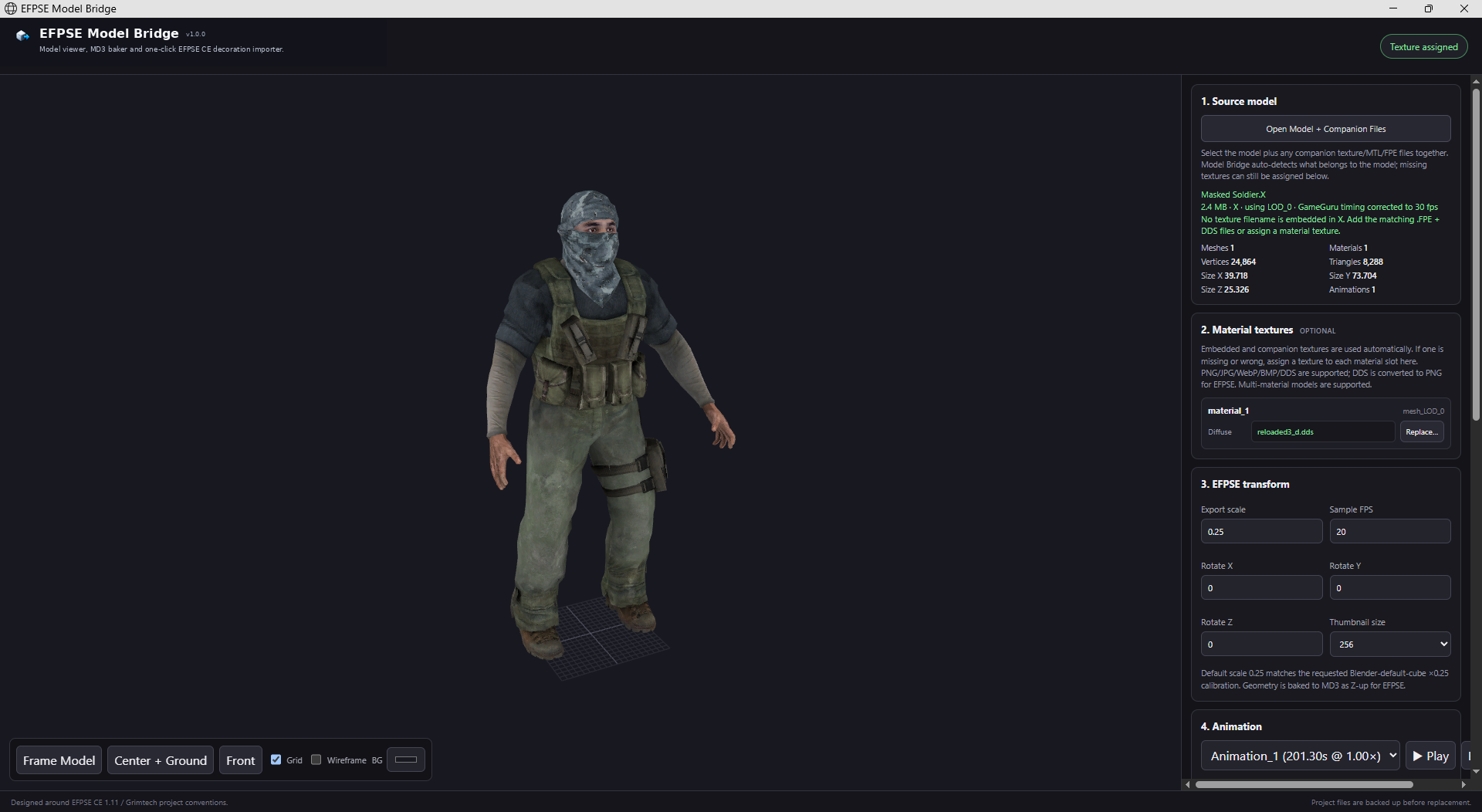
- Open your model: Load an OBJ, FBX, GLTF/GLB or DirectX .X model. Companion textures can be selected at the same time.
- Preview and adjust: Check the model in the 3D viewer, assign or replace textures, adjust scale and facing, inspect animations, and use the EFPSE wall reference cube to judge size.
- Choose your EFPSE project: Point Model Bridge at the root of the project you want to use.
- Click Export Asset: Model Bridge converts/bakes the model to MD3, installs the textures, generates the decoration thumbnail, creates animation state data when needed, and updates the required EFPSE catalogue files.
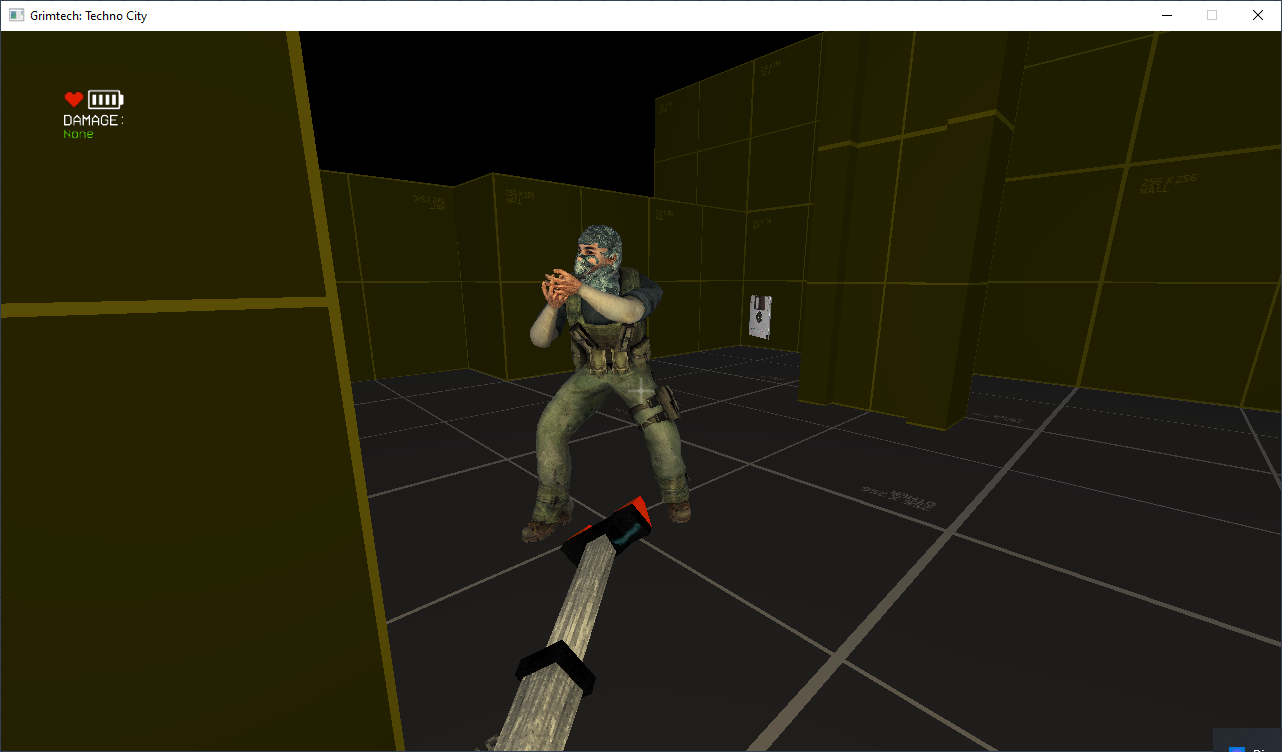
- Reload the project and place it: Open/reload the EFPSE project and the new decoration is ready to use.
Highlights
- OBJ, FBX, GLTF/GLB and DirectX .X import
- Blockbench / legacy ASCII FBX fallback
- Animated model preview and MD3 animation baking
- Root-motion lock and animation sampling controls
- PNG/JPG/WebP/BMP and DDS texture handling
- Transparent single-plane / alpha-texture support
- Multi-material texture assignment
- EFPSE scale presets, fine scale and wall reference cube
- Automatic decoration thumbnail generation
- One-click Models.dat and Decorations.dat registration
- Automatic backups before replacing an existing asset
- Solid/collision handling for replacement exports
- Portable Windows x64 build — no installer required
Basic use
Unzip the Windows package and run:
EFPSE-Model-Bridge.exe
The application opens its local interface. Keep the small backend console open while using Model Bridge.
Note: 3DM import is not enabled in the standalone release because the Rhino WASM parser is not bundled locally.
Version
1.0.4 — First stable release
Built around real EFPSE CE project conventions and iterated through hands-on user testing.
Download
Click download now to get access to the following files:
Comments
Log in with itch.io to leave a comment.
Hell yeah!
Haven't tried this yet, but looks excellent thankyou for sharing bro!
thanks! If you find any bugs reach out and I’ll fix them asap
Can't wait to try this!
let me know how you go 😁