
PW Apps — Windows Utility Hub
A downloadable tool
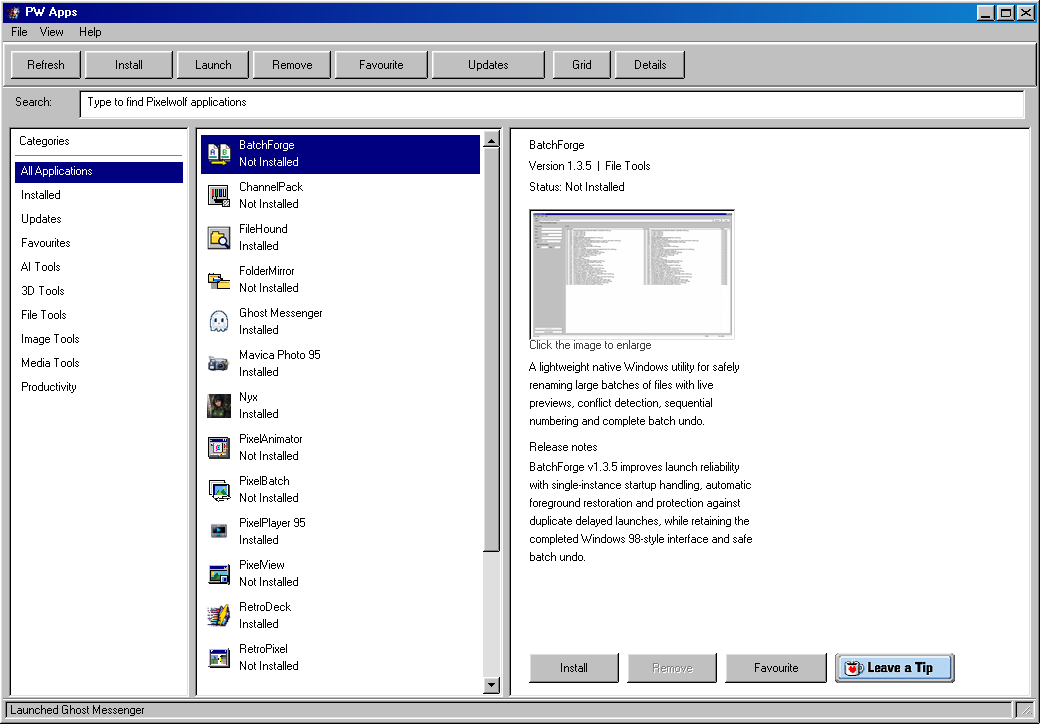
PW Apps is a growing collection of free, focused Windows utilities managed through PW Hub.
Instead of scattering Pixelwolf software across separate installers and product pages, PW Hub gives you one place to discover, install, update, launch and remove the tools you actually want.
What is PW Hub?
PW Hub is the front door to the Pixelwolf software catalogue.
It keeps the catalogue current, shows the installed version of each application and handles the repetitive work of downloading and maintaining Pixelwolf utilities.
The catalogue is designed to grow over time, so this itch.io page does not try to duplicate a fixed list of every application. PW Hub itself always shows the current catalogue.
What kind of tools are included?
PW Apps focuses on practical desktop and creator utilities, including:
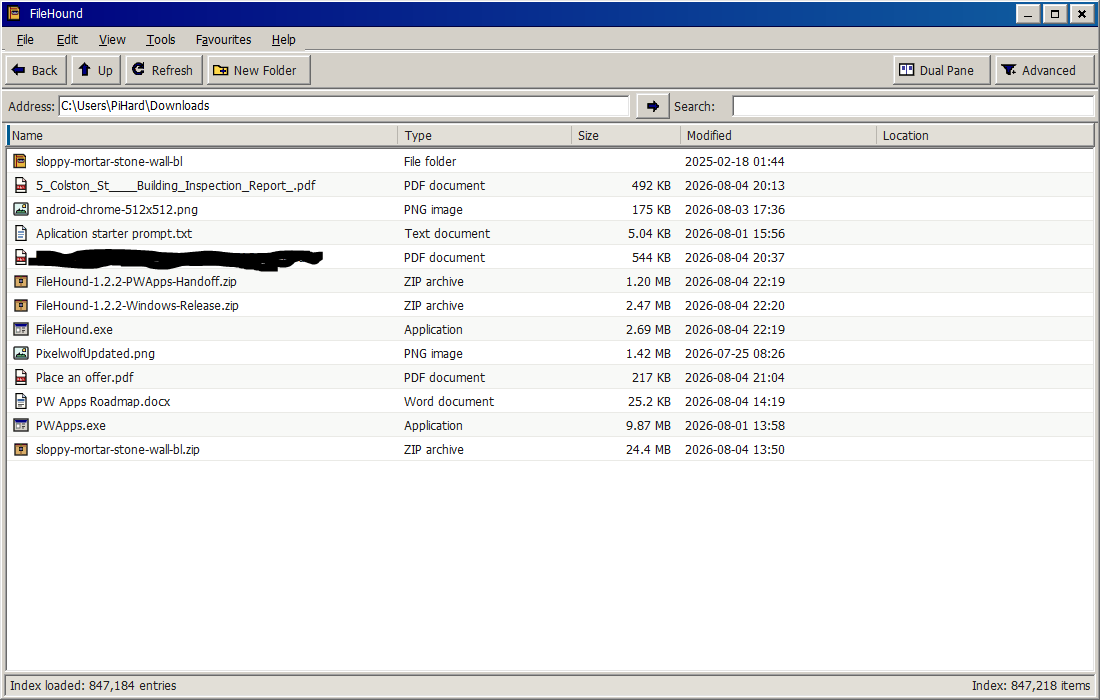
- File management and search
- Image viewing, conversion and compression
- Pixel-art and animation workflows
- Texture and game-development tools
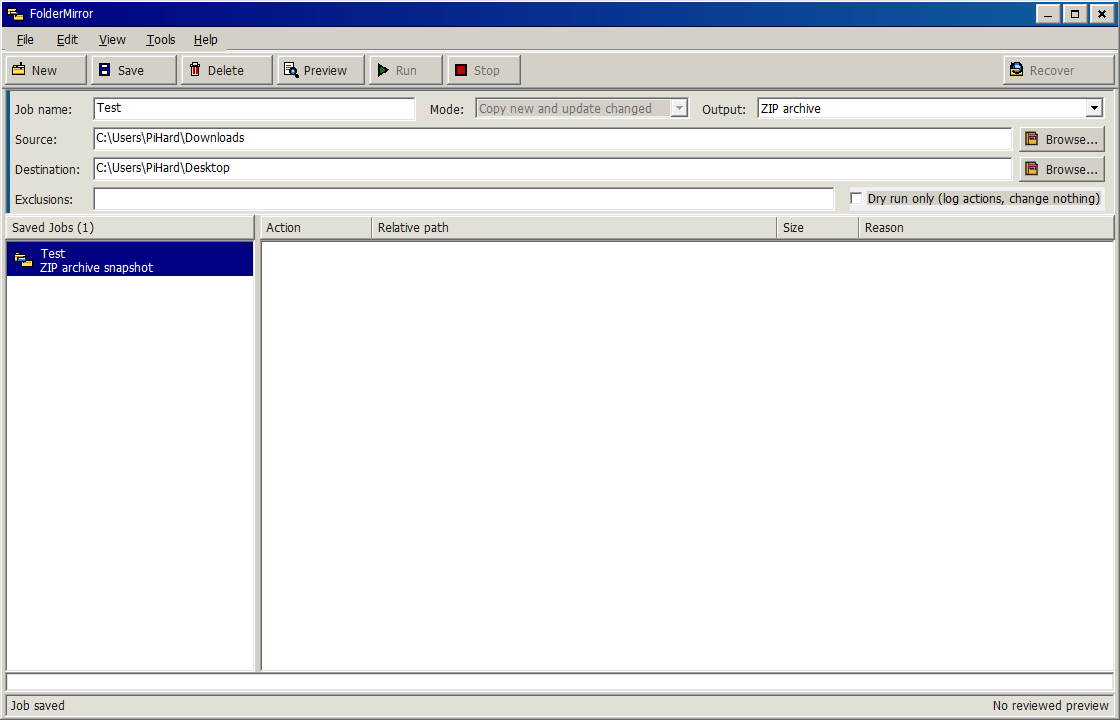
- Folder backup and comparison
- Storage analysis
- PDF utilities
- Specialist tools such as Mavica Photo 95
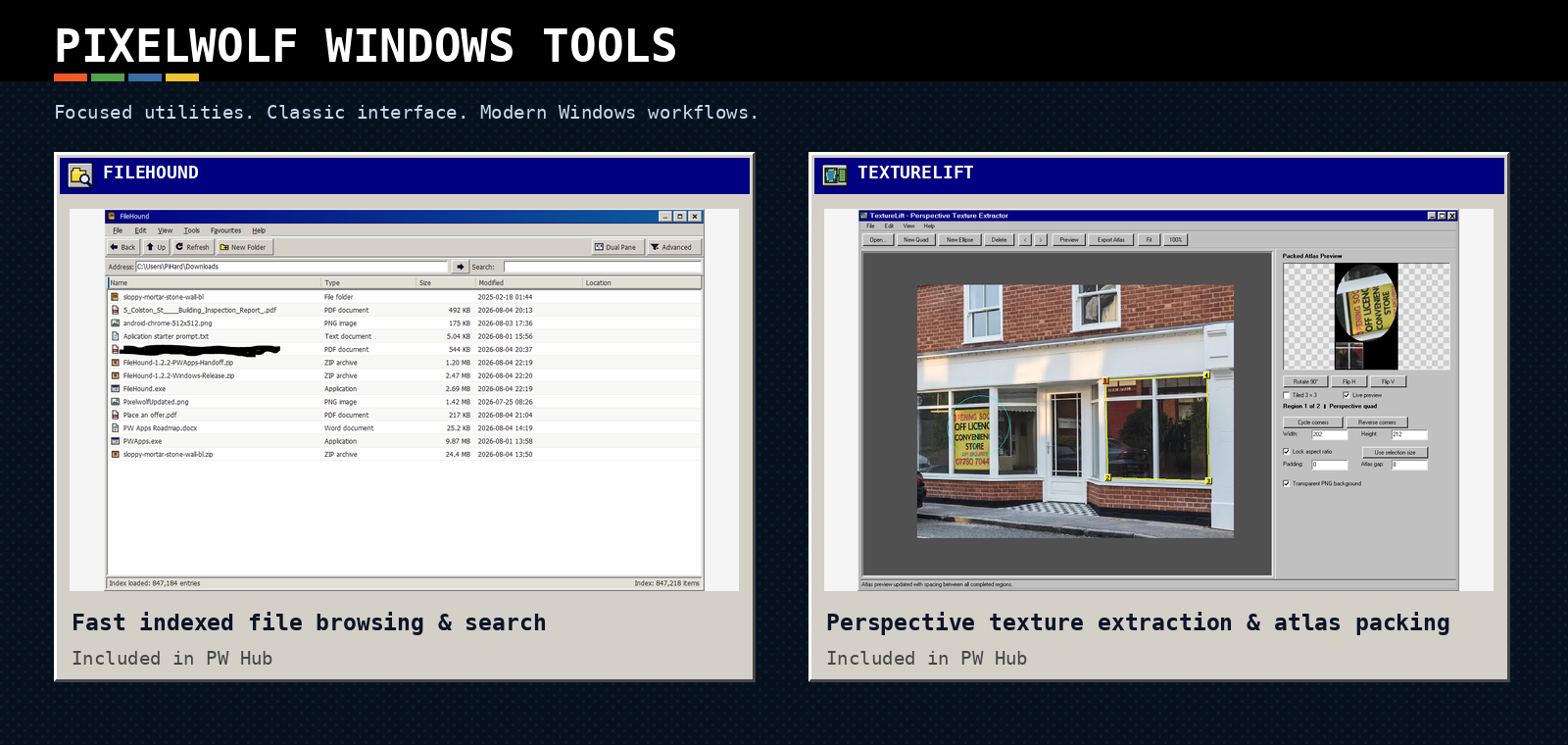
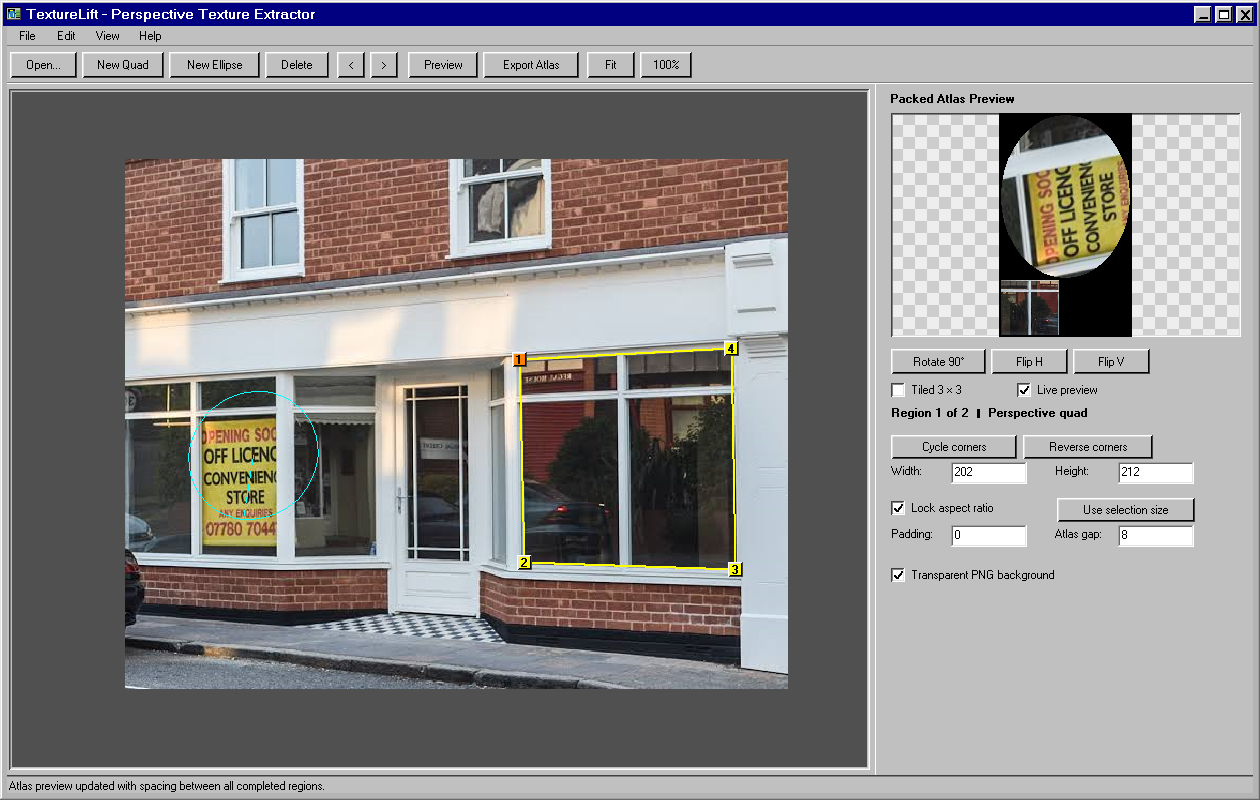
Current examples include FileHound, TextureLift and FolderMirror, with new applications added to the central catalogue as they are released.
How it works
|
1. Discover Browse the current Pixelwolf catalogue. |
|
2. Install Choose an application and let PW Hub handle it. |
|
3. Update See when newer catalogue versions are available. |
|
4. Launch Open installed Pixelwolf tools from the Hub. |
|
5. Remove Cleanly remove applications you no longer need. |
Simple by design
PW Apps is built around small utilities with clear jobs.
No accounts No advertising No telemetry No subscriptions No licence keys No DRM No unnecessary background services
Install only the tools you want.
Minimum system requirements
| Operating system | Windows 10 or Windows 11, 64-bit |
| Processor | 64-bit dual-core processor, 2.0 GHz or faster |
| Memory | 4 GB RAM |
| Storage | 2 GB available space |
| Graphics | Windows-compatible integrated or dedicated graphics |
| Display | 1024 × 768 or higher |
| Internet | Required for PW Hub catalogue access, application downloads and updates |
| Account | Not required |
| Administrator access | Not required |
Recommended system requirements
| Operating system | Windows 11, 64-bit |
| Processor | Modern 64-bit quad-core processor, 2.5 GHz or faster |
| Memory | 8 GB RAM |
| Storage | 4 GB available space |
| Graphics | Modern integrated or dedicated graphics; no dedicated GPU required |
| Display | 1920 × 1080 or higher |
| Internet | Broadband connection recommended for downloads, updates and online-enabled applications |
| Account | Not required |
| Administrator access | Not required |
Download
Download the current Windows x64 release of PW Hub from this page.
Once installed, open PW Hub to browse the current catalogue and install only the applications you want.
Support and bug reports
If something is not working correctly, first check PW Hub for an available update.
For a reproducible bug, include:
- The application name and version
- The PW Hub version
- Your Windows version
- The steps that trigger the problem
- What you expected to happen
- Screenshots or relevant log files where useful
Remove private information before attaching screenshots or logs.
Support: Discord
Download
Click download now to get access to the following files:
Leave a comment
Log in with itch.io to leave a comment.